
Time Card Calculator
A free time card calculator that does the whole job: daily in and out times, lunch punches, automatic overtime past 40 hours, gross pay, a printable report and a spreadsheet export for Excel or Google Sheets. Use it as your weekly time clock calculator for one employee or for yourself - no sign-up, and everything stays on your device.
hours a week at x the rate
| Day | Time In | Lunch Out | Lunch In | Time Out | Other Break (min) | Total |
|---|
Regular hours: 0:00 | Overtime hours: 0:00 | Gross pay: -
How to use this time card calculator
- Add the employee name and the date the week starts. The dates fill in down the card automatically.
- Choose weekly or biweekly, enter the hourly rate, and set your rounding and overtime rules once.
- For each day, enter Time In, Lunch Out, Lunch In and Time Out. Any extra unpaid break goes in the break minutes box.
- Totals update as you type: total hours, the regular and overtime split, and gross pay.
- Print the report, download the spreadsheet, or copy the summary to send to payroll.
If most days look the same, fill in the first day and press "Copy first day down", then fix the days that differ. The card saves in your browser as you work, so you can start it on Monday and finish it on Friday.
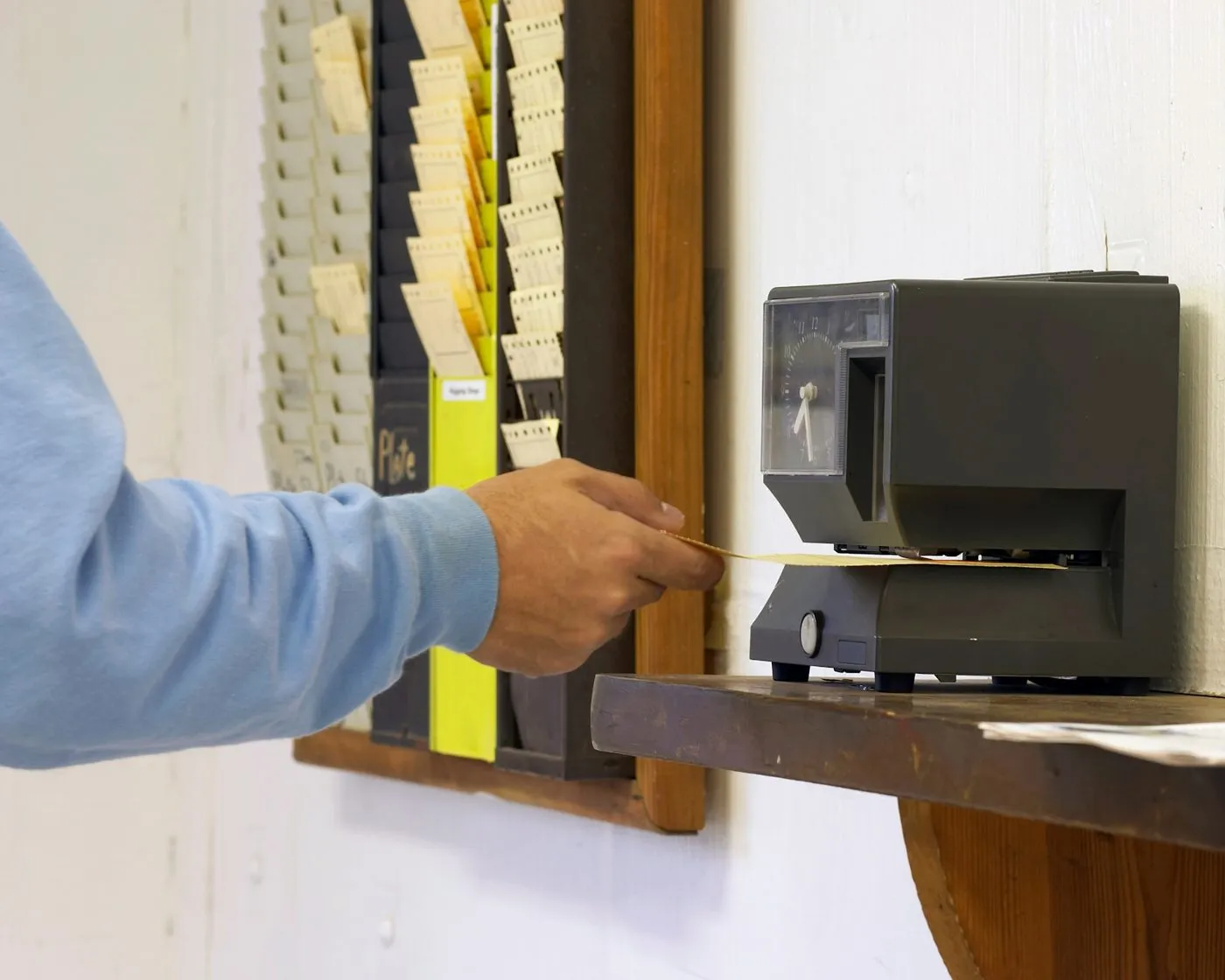
A time punch calculator with lunch, built in
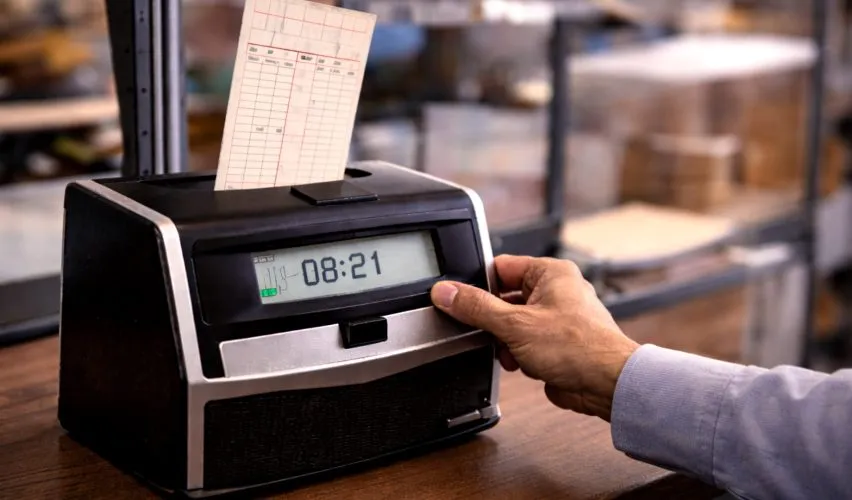
Most simple calculators give you one in box and one out box, which quietly assumes lunch never happened. Real punches come in fours: in, out for lunch, back from lunch, and out for the day. This card records all four, takes the lunch span off the day automatically, and still has a separate box for any other unpaid break. That makes it a true time punch calculator with lunch, and the reason the daily totals match what a real punch clock would produce. Our guide on how to fill out a time card shows the same four-punch pattern on a paper card.
Overtime, worked out the way payroll does
Under US federal rules, overtime is a weekly test: hours past 40 in a single workweek are paid at one and a half times the regular rate. This calculator follows that rule exactly. On a biweekly card it tests each week on its own, so a 44-hour week followed by a 36-hour week correctly shows 4 overtime hours, not zero. You can change the threshold and the multiplier for workplaces that pay daily overtime or double time. The worked example in our guide to calculating overtime on a time card shows a full week priced line by line.

Print it, or take it into Excel
Plenty of free time card tools stop at the screen. This one is built to leave the page: print a clean report with the employee name, the period and the totals for a signature or a file, or download the card as a spreadsheet file that opens in Excel and Google Sheets with every punch and total in its own cell. If you only need to message the numbers to someone, the copy summary button puts the key figures into one short block of text.
Who this card is for
Small business owners running payroll from a desk, managers checking a team's week before it goes to the payroll provider, and employees who want to verify their own hours before payday. If your need is lighter - just your own week of start and end times with no overtime split - the work time calculator is the faster page. For a single shift, the hours calculator is faster still. And for adding lengths of time or working with dates, start from the time calculator on the home page.
The record a good time card leaves behind
A time card is not just arithmetic; it is the record both sides rely on if pay is ever questioned. US federal rules require employers to keep, for each hourly employee, the hours worked each day and the total hours worked each week - exactly the two things this card produces. A card that holds up is one where the punches are the real times, not the scheduled times: clocking 8:00 to 4:30 every day for a month looks tidy and proves nothing. If a time has to be corrected, the honest method is to write the true time, mark it as a correction, and have it acknowledged, rather than quietly replacing the original. Keeping your printed or downloaded card each week gives you the same record the employer keeps, and matching records end most pay arguments before they start.
Missed a punch? Fix it the clean way
Everyone forgets to punch once in a while, usually out at the end of a long day. The clean fix is boring and safe: write in the time you actually left, note that it is a missed punch, and let a supervisor acknowledge it. What causes trouble is guessing a rounder time than the truth, or filling the gap days later from memory. One habit worth copying from workplaces with few disputes: check the card at the end of every day, while the times are still easy to remember, instead of reconstructing a week on Friday. And a note for managers - a punch from one employee on another's behalf, known as buddy punching, is treated as time theft by most employers; a card system only works when each person's punches are their own.
Daily overtime and other rule variations
The overtime built into this card is the federal weekly rule, which covers most US workers. A few states add daily rules on top. California is the best known: hours past 8 in a single day are overtime there, and hours past 12 are double time, with extra rules for the seventh day in a row. Some employers also pay double time for Sundays or holidays by policy rather than by law. If a daily rule applies to you, the daily totals on this card are still the right starting point - they show exactly which days passed 8 or 12 hours - and the notes box on the printed report is the place to record the adjustment your payroll applies. The US Department of Labor Wage and Hour Division publishes the federal position, and your state labor agency publishes its own additions.
Sign the card before it goes to payroll
The printed report from this calculator ends with two signature lines, one for the employee and one for the manager, and they are not decoration. A signature says the times were looked at and agreed while the week was still fresh, which is the moment disagreements are cheap to fix. The habit that works in real workplaces is a Friday rhythm: the employee checks the card against the week they remember, signs it, and the manager countersigns before it reaches payroll. When a correction is needed later, it goes on the record as a correction, with the original figures still visible. That small routine is most of what separates businesses that argue about pay from businesses that do not.
Frequently asked questions
Is this a free time card calculator?
Yes, completely free, with no sign-up and no limit. It includes the features many free tools leave out: lunch in and out punches, automatic overtime, gross pay, a printable report and a spreadsheet export.
How does the overtime calculation work?
Tick the overtime box and the calculator watches each week's total. Hours up to the threshold (40 by default) are regular hours, and hours past it are overtime, paid at the multiplier you set (1.5 is standard time and a half). On a biweekly card, overtime is worked out week by week, not on the combined two-week total, which matches US federal rules.
How do the lunch punches work?
Each day has Lunch Out and Lunch In boxes. Enter the time you left for lunch and the time you came back, and that span is taken off the day automatically. Any other unpaid break goes in the break minutes box. This makes the card work as a time punch calculator with lunch, not just a simple in-and-out total.
Can I export the time card to Excel or Google Sheets?
Yes. The Download spreadsheet button saves a CSV file with every day, punch and total. CSV files open directly in Excel and Google Sheets, so you can keep records, email the card to payroll, or build on the numbers there.
Can I print the time card or save it as a PDF?
Yes. Press Print report and the card prints with the employee name, the period dates and the totals. On most devices you can choose Save as PDF in the print dialog instead of a printer.
Is my information private?
Yes. The card is calculated and saved only in your own browser on your device. Names, times and rates are never sent to a server or seen by us.
Related calculators
Time Calculator
Add and subtract days, hours, minutes and seconds, add time to a date, or type a full time expression.
Open the time calculatorHours Calculator
The hours between two times for a single shift, with a break taken off and decimal hours for payroll.
Open the hours calculatorWork Time Calculator
Your own week of work time with lunch breaks, rounding, decimal totals and gross pay.
Open the work time calculator